
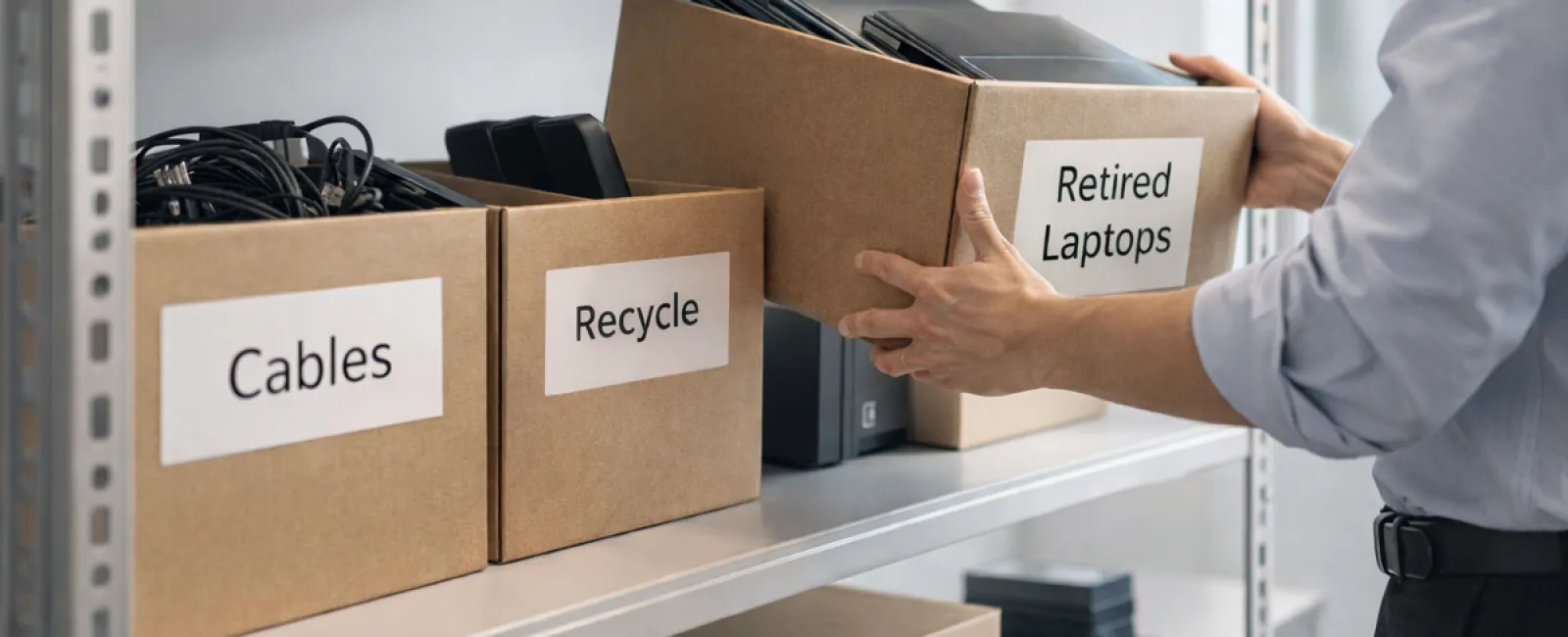
While spring cleaning often begins with closets, most companies find that the real mess isn't limited to coat racks.
That clutter might be hidden in server racks, storage rooms, offices, or stashed away in bins labeled "to be handled later."
Outdated laptops, decommissioned printers, backup drives from years past, and tangled boxes of cables kept "just in case" are typical.
These items accumulate in every business.
The real question isn't about their existence, but whether you have a clear plan for dealing with them.
Technology Has a Lifecycle Beyond the Purchase— It Needs a Clear Retirement Strategy
Purchasing new technology often happens for good reasons—it's faster, more secure, packed with features, and supports business growth.
Yet, while many companies meticulously plan technology acquisitions, very few develop strategies for retiring old equipment.
Retiring devices usually occurs quietly: replaced and then set aside until a cleanup is overdue.
That's common.
What's uncommon is approaching technology retirement with the same care and planning as the purchase.
Old equipment often still holds value—reusable parts, recyclable materials, and potentially sensitive data stored within. Ignoring this can slow operations and waste space.
Spring offers a perfect opportunity to ask: Which devices are still useful, and which are just occupying valuable space?
A Clear-Cut Process to Streamline Your Tech Cleanup
If you want to turn talk into action, try our straightforward four-step method.
Step 1: Take Inventory
Identify exactly what's being retired: laptops, phones, printers, network gear, or external drives. You can't manage what isn't listed, and a thorough check often uncovers more than anticipated.
Step 2: Choose the Right Destination
Devices typically fall into reuse (internal or donation), certified recycling, or secure destruction if data privacy demands it. The goal is intentional decisions to avoid letting tech linger indefinitely.
Step 3: Prepare Devices Securely
Proper preparation is vital.
For reuse or donations, disconnect devices from management systems, revoke user access, and use certified data wiping—not just quick resets. Remember, deleting files often only hides data rather than erases it.
Research by data security firm Blancco revealed that 42% of used drives sold online still contained sensitive records, despite sellers' claims of wiping. Certified erasure tools overwrite every sector and provide verification.
For recycling, always use certified e-waste services—not dumpsters. Retail programs like Best Buy's are only for household items, not businesses.
Businesses require certified IT asset disposition (ITAD) or professional e-waste recyclers with e-Stewards or R2 certification. Your IT provider can often coordinate this for you.
If destruction is necessary, opt for certified data wiping or physical methods like shredding or degaussing, and keep detailed records: serial numbers, methods, dates, and handlers.
This approach isn't paranoia—it's thorough responsibility.
Step 4: Document and Close the Loop
After equipment exits your premises, document its destination, disposal method, and access removal to eliminate uncertainties.
Devices Often Overlooked During Retirement
While laptops get attention, other hardware may be forgotten.
Mobile Phones and Tablets can store email access, contacts, or authentication apps. A factory reset helps, but certified mobile wiping tools ensure complete data removal. Many manufacturers offer trade-in credits, even for older models.
Printers and Copiers often contain internal hard drives with records of all printed, scanned, or faxed documents. Confirm in writing that leased machines' drives are wiped or removed before returning.
Batteries are hazardous waste regulated by the EPA. In certain states, disposing of rechargeable batteries in regular trash is illegal for businesses. Remove them from devices, tape terminals to prevent shorts, and recycle at certified centers. Visit Call2Recycle.org for drop-off locations; many retailers accept them.
External Drives and Retired Servers often linger in storage but require the same careful disposal as other equipment.
Important Insights on Electronics Recycling
Earth Day reminders in April highlight an important truth.
Electronic waste should never reach landfills. The globe produces over 62 million metric tons of e-waste annually, but only about 22% is recycled properly. Batteries, monitors, and circuit boards need specialized recycling paths. Many communities offer certified options for safe disposal.
Handled correctly, tech retirement is efficient, eco-friendly, and smart business strategy. You don't have to sacrifice security for responsibility—you can achieve both.
Sharing this commitment quietly on social media speaks volumes to customers who appreciate responsible business practices.
The Broader Possibility
Spring cleaning is less about disposal and more about creating room for growth.
Removing outdated gear is one step. While reviewing hardware, also consider: Does your technology effectively support your business goals?
The hardware changes, but software, automation, and process design shape true productivity and profitability.
Properly retiring old equipment keeps things tidy. Aligning your technology with your vision drives success forward.
How We Support Your Tech Journey
If you already have a solid retirement process, great—that's the mark of smooth operations.
As you plan to replace hardware responsibly, take a moment to evaluate your entire tech ecosystem. Are your systems efficient? Do your tools integrate well? Is your technology fueling growth or just maintaining status quo?
We're ready to help you assess how your technology stack, systems, and processes enhance productivity and profitability.
No sales pressure. No equipment checklists. Just a practical conversation focused on optimizing your business technology.
Click here or give us a call at 303-415-2702 to schedule your free 15-Minute Discovery Call.
If this information inspired you, feel free to share it with fellow business owners.
Don't limit spring cleaning to closets; extend it to the essential systems powering your business.


