
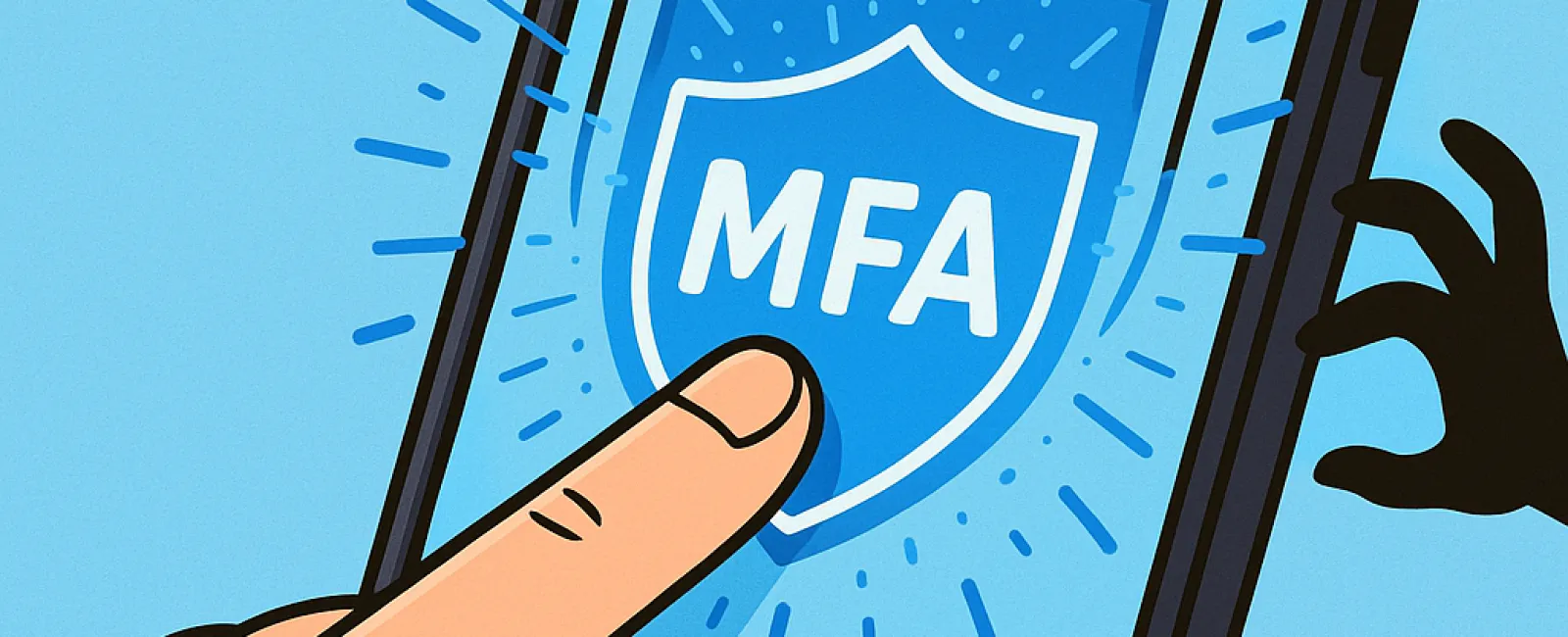
Just as you wouldn't drive without fastening your seatbelt or leave your office door unlocked overnight, you shouldn't go online without activating multifactor authentication (MFA). It's a vital step in securing your digital life.
MFA acts as an additional lock on your online accounts. Instead of relying solely on a password—which can easily be stolen, guessed, or phished—it requires an extra verification step, like entering a code sent via text, using an authentication app, or scanning your fingerprint. Even if someone manages to obtain your password, they won't gain access without passing this second barrier.
Your Extra Step for Ultimate Protection
If your password is like locking your front door, then MFA is akin to activating your home security system before bed. It's an added layer that isn't mandatory but offers peace of mind by securing your accounts even if your password is compromised.
Often called "two-step verification," "two-factor authentication," or "one-time password," MFA combines multiple authentication steps to confirm your identity before granting access to sensitive data. This simple extra step takes seconds but dramatically enhances your security.
Examples of MFA include confirmation emails when creating accounts, security questions at banks, text message codes, push notifications, and phone call verifications. Most are effortless—often just a single tap to verify your identity.
How MFA Protects You in Real Scenarios
While MFA is quick and easy for you—just entering a code or approving a notification—it poses a significant hurdle for hackers. If someone tries to access your account without authorization, MFA sends you an alert or requires a verification code, giving you the opportunity to respond before any data is lost. This crucial extra step prevents unauthorized access even if a password is stolen.
MFA also blocks hackers who might trick employees into sharing login credentials. Microsoft's research shows that enabling MFA decreases the risk of account breaches by over 99.2%, reaching 99.99% protection for accounts with MFA activated. This proven defense is essential for keeping your digital assets safe.
Where and How to Activate MFA
Focus on enabling MFA for your most important accounts:
- Banking and financial apps
- Email and cloud storage services
- Social media platforms
- Work-related logins that contain client or proprietary data
Setting up MFA is generally straightforward. Many leading services come with built-in MFA options—just choose the method that fits your needs and incorporate it into your daily habits. Using an authenticator app can further strengthen your team's login security.
In summary, MFA is a free, fast, and effective way to prevent the majority of account hacks. Spending a few minutes today to enable it could save you from months or even years of headaches from data breaches and recovery.
The simplest way to activate MFA is to reach out to your IT provider. A skilled Managed Service Provider (MSP) can guide you through the setup seamlessly. If you need cybersecurity assistance, click here or call us at 303-415-2702 to schedule a 15-Minute Discovery Call with our experts now.


